
AI Memorial Video Maker: How to Create a Tribute Video from Photos
An AI memorial video maker turns photos of a loved one into a tribute video: each photo is gently animated and linked with transitions and music, telling the story of their life in a few minutes. With Forevers, you upload photos in the order you want, choose music, and get a finished memorial video in minutes — ready to play at a funeral, memorial service or celebration of life, or to share privately with family.
This guide walks through how to make one with care, even under time pressure.
Why families make memorial videos
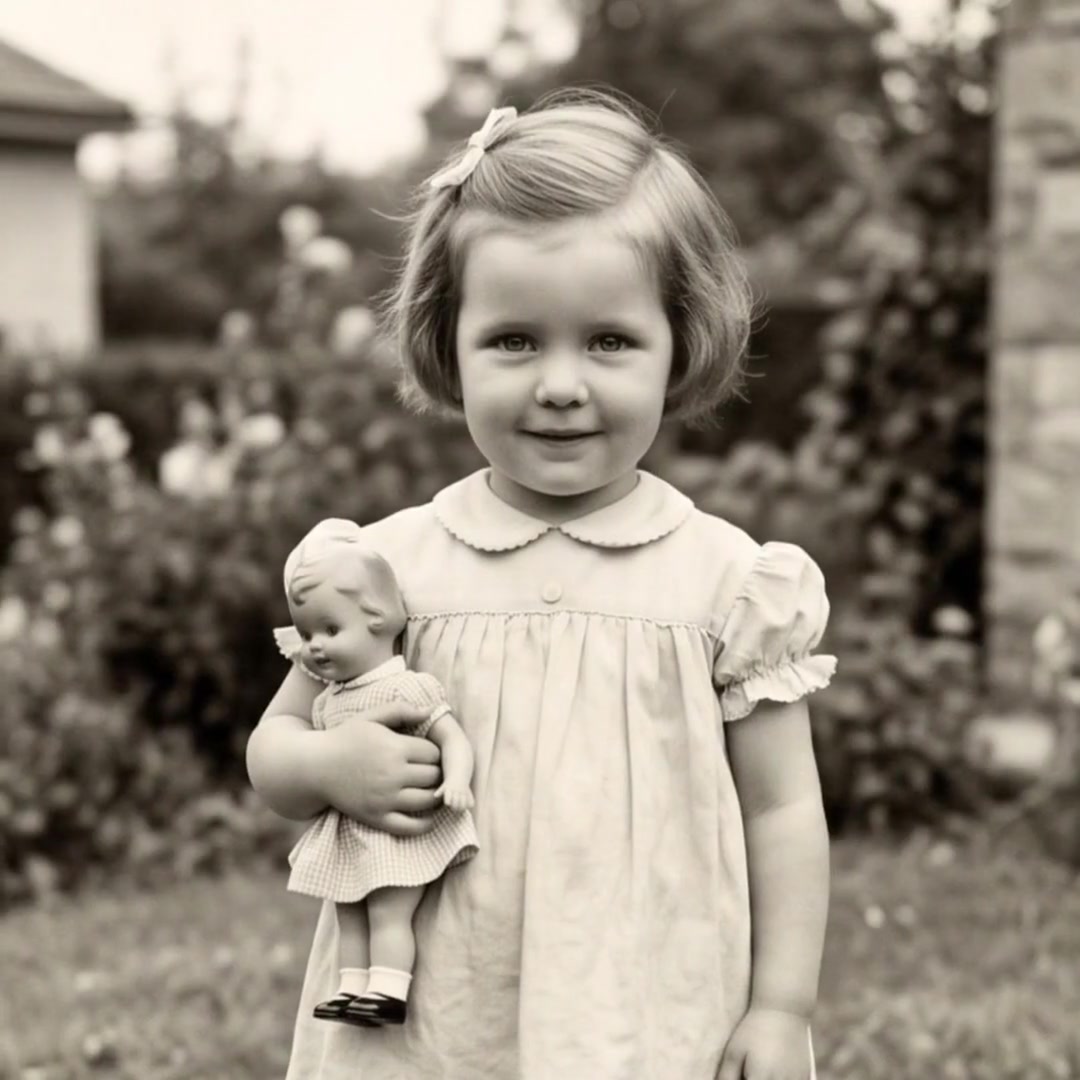
A tribute video does something a eulogy can't: it lets everyone see the person again — as a child, at their wedding, holding a grandchild, laughing at a holiday table. For many families it becomes the most treasured part of the service and something they rewatch for years.
AI animation adds subtle, natural motion to still photos. Used gently, it makes moments feel present rather than frozen. The goal is warmth and remembrance, not special effects.
How to create a memorial video, step by step
1. Gather photos from across their life
Ask family and close friends to send their favorite photos. Aim for 30–60 photos covering childhood, youth, marriage, work, family, hobbies and recent years. Include candid, joyful moments — they often mean the most.
2. Digitize prints
Photograph old prints with your phone in soft daylight, holding it parallel to the photo. Faded or imperfect photos are fine; a recognizable face matters more than image quality.
3. Choose a structure
- Chronological (most common): a life told from beginning to end.
- Chapters: "Family", "Work", "Adventures", "Grandchildren".
- End with a meaningful image: a portrait they loved, or the whole family together.
4. Choose music thoughtfully
A song they loved, a hymn from their tradition, or a gentle instrumental. One or two songs for a 3–6 minute video.
5. Create the video
Upload the photos to Forevers in order. The AI animates each photo with gentle motion, adds cinematic transitions and sets it to music. Preview it, adjust the order if needed, and download it.
6. Prepare for the service
- Test the video on the venue's screen or projector before the day.
- Bring a backup on a USB drive and on a phone.
- Share a private link with relatives who can't attend so they can watch too.
Is it appropriate to use AI for a memorial video?
Many families find gentle photo animation a beautiful way to remember someone. A few principles keep it respectful:
- Keep motion subtle. A soft smile or slight movement feels natural; dramatic effects don't.
- Preview before sharing, especially animated photos of the person who passed, and check with close family.
- Don't impersonate. A memorial video celebrates real moments from their life; it shouldn't put words in their mouth.
Forevers is built around this approach: cinematic montages of real photos, not impersonation or sensational effects.
Memorial video ideas
- A celebration-of-life video played as guests arrive
- A short tribute played before or after the eulogy
- An anniversary of passing video shared with family each year
- A grandparent tribute for grandchildren to keep
- A military service tribute (military memories)
Frequently asked questions
How long should a memorial video be?
Three to six minutes is typical for a service. That fits 30–60 photos at a comfortable pace and one or two songs.
How quickly can I make a memorial video?
Collecting and choosing photos takes the most time. Once the photos are uploaded, Forevers generates the finished video in minutes, which helps when a service is only days away.
What music is good for a memorial video?
A song the person loved is the most meaningful choice. Otherwise, gentle instrumentals, hymns or songs from their era work well.
Can I share the memorial video with family who can't attend?
Yes. You can download the video or share it by private link, so relatives abroad can watch it at the same time as the service or later.
Are memorial photos kept private?
Photos uploaded to Forevers are private to your account, and you control who receives the video link.
Turn your photos into moving stories
Upload pictures and create emotional tribute videos with beautiful music and cinematic transitions in minutes.
Create Video Now